Prism prismd.fr
Extracted · 10 sections · 41 colors · grade B

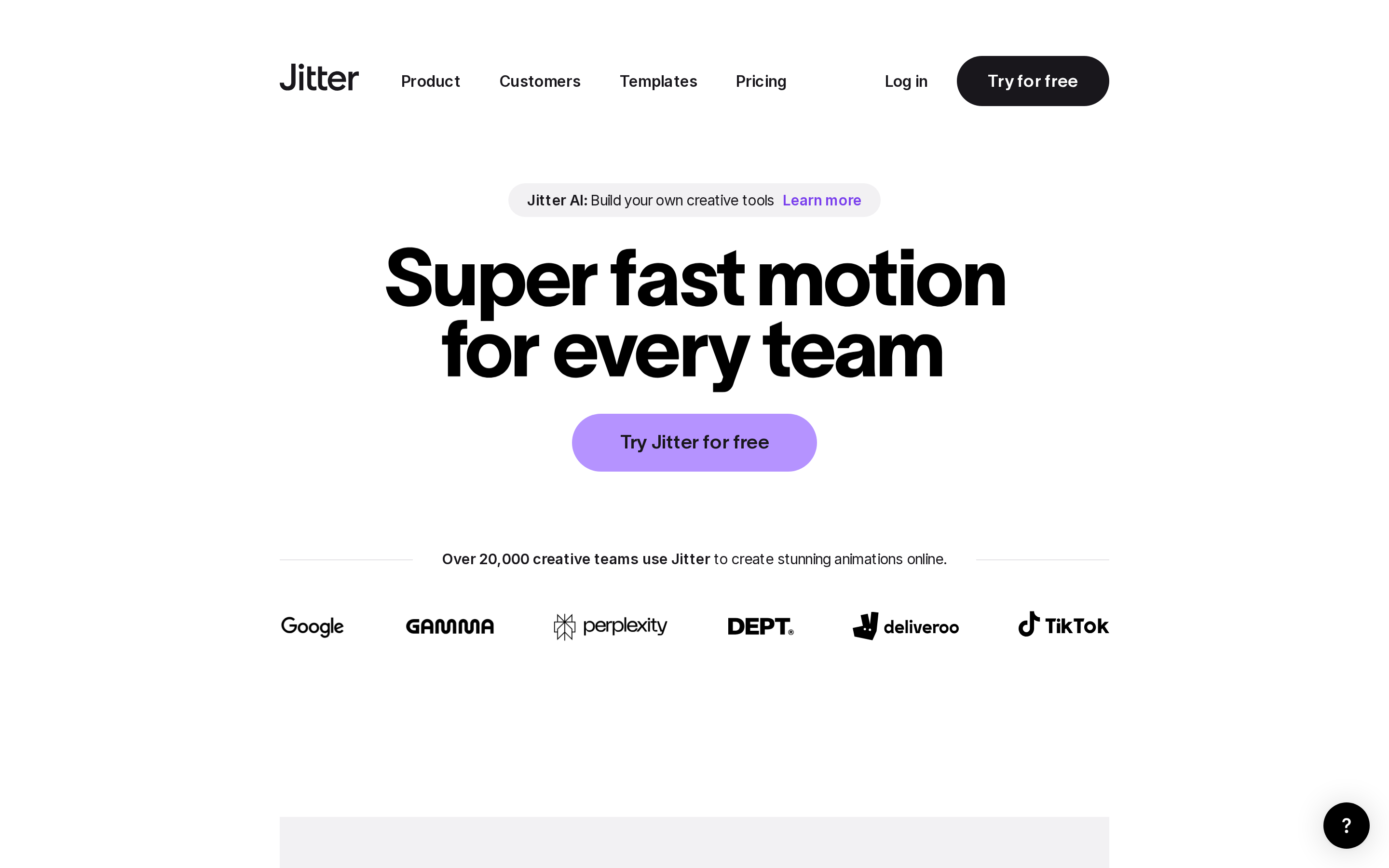
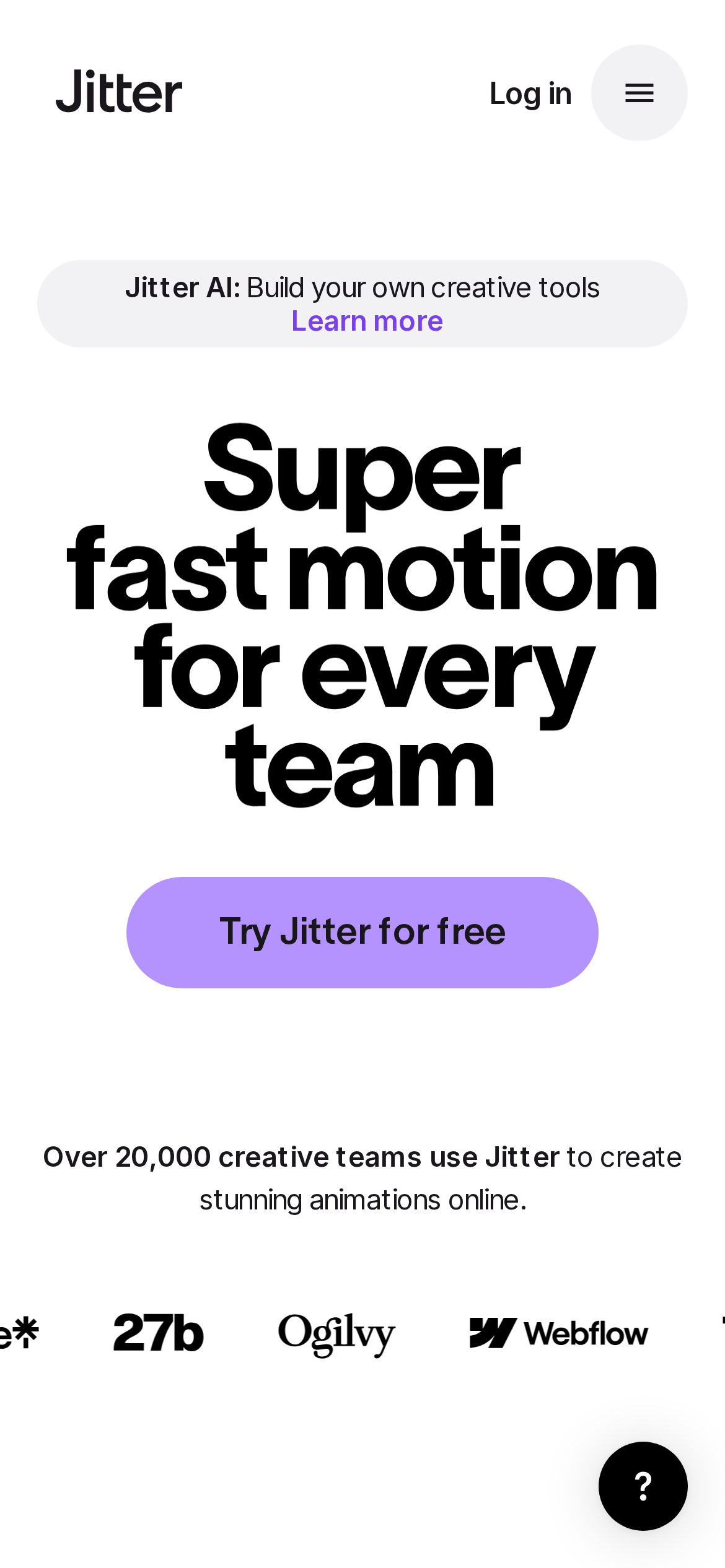
jitter.video

Accent #5e6ad2 · Inter — chaque valeur ci-dessous est mesurée via getComputedStyle(), jamais affirmée à la main.
41
colors
9
faces
9
shadows
94
keyframes
jitter.video
rendu réel · source de vérité

jitter.video is built on a pure-white canvas (rgb(255, 255, 255)). The system uses rgb(255, 255, 255) as the singular interactive color. Sharp 0px corners on CTAs — architectural restraint, engineering precision alongside TWK Lausanne as the primary typeface. A layered elevation system (9 distinct shadows) building a clear front-to-back hierarchy. Motion is a first-class concern — 94 keyframe animations plus transition-driven interactions.

01

Color — roles, semantics & the full census

41 colors measured · click any swatch to copy

Canvas
#ffffff
AAA 17.79:1
Ink
#19171c
AAA 17.79:1
Accent
#ffffff
Fail 1:1
Line
#c3c3c6
Fail 1.76:1
Semantic states

No semantic state colors detected — this system signals state through weight & motion, not hue.

41 colors mined from the live renderexpand
02

Type — the ladder, in the real face

7 roles · rendered live in the real Inter (captured woff2) · lines are editable, click any spec to copy

display xl
display-xl80px · 800
display md
display-md21px · 800 · ×3.81
body
body12px · 400 · ×1.75
body sm
body-sm16px · 600 · ×0.75
caption
caption15px · 400 · ×1.07
button
button20px · 600 · ×0.75
mono
mono17px · 600 · ×1.18
03

Spacing & radius, made spatial

9 spacing steps · 7 radii · bars are exact px widths

Spacing scale
xxs · 2px
xs · 5px
sm · 13px
md · 24px
base · 30px
lg · 37px
xl · 40px
2xl · 60px
3xl · 70px
Radius
none
0px
xs
18px
sm
20px
md
26px
lg
40px
xl
50px
full
9999px
04

Depth — elevation is extracted, not invented

9 box-shadows measured on the live page · click a tile to copy its raw value

shadow-1
shadow-2
shadow-3
shadow-4
shadow-5
05

Motion — easings, transitions & live keyframes

3 easing curves · 94 keyframes · hover a tile to preview

Easing & transitions
transition-2linear
transition-4cubic-bezier(0.19, 1, 0.22, 1)
transition-5cubic-bezier(0.25, 0.46, 0.45, 0.94)
94 keyframe animations extracted
toastItem-module--growIn--36933
toastItem-module--shrinkOut--90c10
alert-dialog-module--overlayShow--07afa
alert-dialog-module--contentShow--27649
collapsible-module--slideDown--bf83e
collapsible-module--slideUp--70181
context-menu-module--fade-in--d5e15
dialog-module--overlayShow--a3661
dialog-module--contentShow--7f350
dialog-module--contentHide--31687
drawer-module--show--42dab
drawer-module--hide--22516
06

Components — the closed vocabulary

16 component families · 87 variants counted on the live DOM

ComponentVariants found
cards×10
nav Links×10
heading H3×10
links×10
buttons×9
heading H2×9
badges×7
footer Links×5
eyebrow Labels×5
cta Banner×4
status Badge×3
inputs×1
heading H1×1
avatar×1
alert×1
timeline Pill×1
Component style specs (§4)expand

Buttons

Ghost

  • Background: transparent
  • Text: #19171c {colors.ink-muted}
  • Padding: 10px
  • Radius: 0px
  • Font: 18px weight 600
  • Use: Subtle action, toolbar, nav button
  • Focus: opacity: 1, transform: matrix(1, 0, 0, 1, 0, 0), outline: rgb(16, 16, 16) auto 1px

Inputs & Forms

Text Input

  • Background: #2d2933
  • Text: #ffffff {colors.primary}
  • Padding: 13px 210px 13px 24px
  • Radius: 0px 50px 50px 0px
  • Border: 1px solid rgba(255, 255, 255, 0.1)
  • Font: 17px weight 600
  • Use: Text fields, search inputs
  • Focus: outline: rgb(255, 255, 255) none 3px

Status Badges

Neutral Dark

  • Background: transparent
  • Text: #19171c {colors.ink-muted}
  • Padding: 7px 20px
  • Radius: 40px
  • Font: 15px weight 400
  • Use: Status indicator, label, pill

Neutral Dark

  • Background: transparent
  • Text: #17082c
  • Padding: 5px 20px
  • Radius: 40px
  • Font: 20px weight 600
  • Use: Status indicator, label, pill

Alerts

Alert Banner

  • Background: transparent
  • Text: #ff0000
  • Padding: 13px 210px 13px 24px
  • Radius: 0px
  • Font: 16px weight 400
  • Use: System alert, banner notification, toast
07

Layout — structure & dimensions

4 layout metrics measured

header 129px 1200px max-width
max Width1200px
header Height129px
sidebar Width0px
container Padding0px
08

Responsive — real breakpoints

17 media-query stops read from the live CSS

380px
400px
401px
480px
481px
640px
641px
720px
768px
1024px
1025px
1280px
1440px
1441px
1536px
1729px
1921px
09

Do's & Don'ts

23 enforceable rules pulled verbatim from the spec

Do
Use Primary Color (`#19171c`) for text — not pure black, it's warmer and more readable
Use Inter as the primary typeface — it defines the brand personality
Use negative letter-spacing (-2.4px) at display sizes for compressed, editorial headlines
Use the extracted shadow patterns for elevation — they are tuned to match the brand palette
Use Pure White (`#ffffff`) as the primary accent — it's the brand's signature interactive color
Style form inputs with a `1px solid rgba(255, 255, 255, 0.1)` border — use border-based inputs, not floating labels or underline-only
Maintain nav height at 90px — consistent vertical space for the navigation bar
Respect the 5px–40px spacing range — the design uses a wide scale for visual breathing room
Use a single primary CTA in the hero — the design intentionally avoids choice paralysis
Use a 3-column grid on desktop — density matters for this content type
Show person avatars with testimonials — social proof is human-centric here
Lay out testimonials in a grid (14+ items) — quantity signals scale and trust
Include a newsletter signup in the footer — email capture is part of the conversion funnel
Build a content-dense footer (5 columns, ~37 links) — this site treats the footer as a sitemap, not an afterthought
Don't
Don't use pure black (`#000000`) for text — the near-black adds warmth
Don't substitute with generic sans-serif or serif — the custom font carries the brand
Don't increase letter-spacing on headings — the type is designed to run tight at scale
Don't invent new shadow values — use only the extracted shadow levels
Don't introduce additional saturated accent colors — the palette is intentionally controlled
Don't remove the input border — the border is the primary affordance indicator for form fields
Don't collapse or hide the nav on scroll without an explicit scroll-triggered animation — the design uses fixed nav presence
Don't make the nav sticky — this design lets it scroll away to maximize content focus
Don't put a CTA button in the nav — this design uses links only at the top
10

Agent guide & export

Paste-ready prompt + the real files behind this page

Build a UI in the jitter.video design system. Canvas #ffffff · ink #19171c · accent #ffffff. Type: Inter — respect the size/weight ladder in §3. Radius, spacing, shadow: use only the extracted scales (no magic numbers). Full spec follows — paste the DESIGN.md below into your agent.
Every value above was getComputedStyle-verified.
$ npx prismd add jitter
DESIGN.md · narrative spec tokens.json